Free book · PDF
Your computer works.
Keep it.
An Introduction to Linux: Moving from Windows to the Linux Mint Desktop, by Tom Adelstein
Download the free PDF (27 MB)See what's inside- 2026
- For Windows 10 owners
- 26 chapters
- Linux Mint 22.3
- Tested in a real lab
Microsoft's managers ended support for Windows 10 and say to replace computers left off the Windows 11 list. This book shows another way: put Linux Mint, free, on the computer the reader already owns, on a desktop that looks like Windows.
- Try Linux Mint for an afternoon from a USB drive, with Windows left as it is.
- Copy the files, install Linux Mint, and bring back documents, bookmarks and passwords.
- Write, print, browse, send email, and open Word, Excel and PowerPoint files.
- Lock the computer down with an encrypted disk, a firewall, daily updates, and a tested backup.
Watch the chapters
Each chapter so far has a video of its own, read by the author, and the install guide has one too. The videos play from YouTube when you click them.
Who this book is for
For owners of a working Windows 10 computer who want to keep it and move to the Linux Mint desktop. No experience with Linux is needed. The book is not a guide for Mac owners or for running servers.
Questions before the download
- Does the book cost anything?
- No. The PDF is free, with no account and no mailing list.
- Will trying Linux Mint change Windows?
- No. The book starts with an afternoon on a USB drive, and Windows stays as it is.
- What about the files on the computer?
- The book copies them first, before any install.
- Which version does the book cover?
- Linux Mint 22.3 with the Cinnamon desktop, tested in our lab.
Inside the book
Part 1. See it, try it
- A laptop to carry anywhere
- Trusting a free system
- Make the USB drive
- Start the computer from the USB drive
- Try it for an afternoon
Part 2. Move in
- Copy the files first
- Install Linux Mint
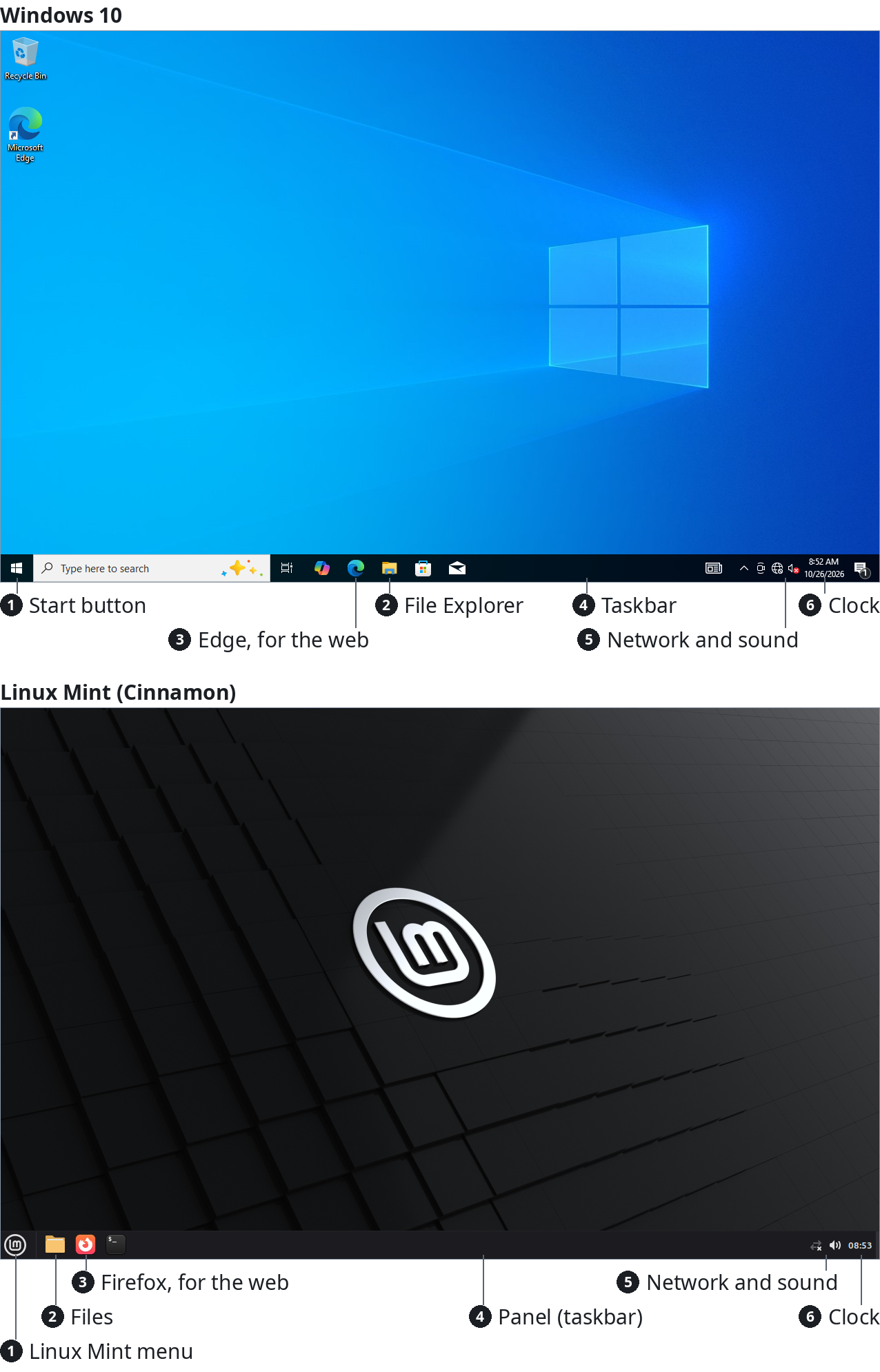
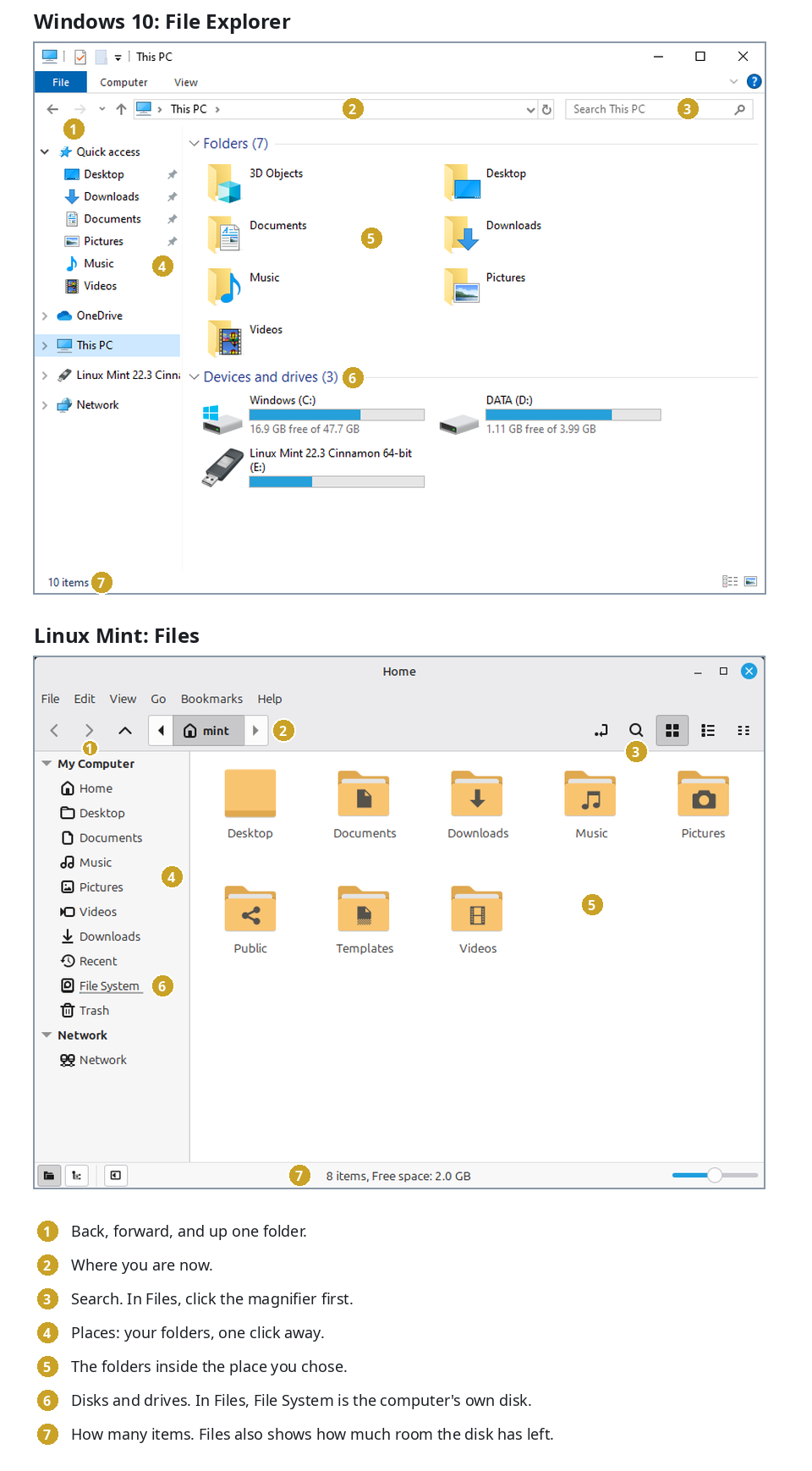
- Find the way around Cinnamon
- Seven things every computer does
- Import the files and settings into Linux Mint
Part 3. The daily desktop
- The browser and email
- Documents, spreadsheets and slides
- Printer, Wi-Fi, screens and sound
- Software Manager and Update Manager
- A week on the new desktop
Part 4. The terminal
- Open the terminal
- Files and folders by command
- Users, sudo and permissions
- Install and update software by command
Part 5. A secure computer
- Check the encryption
- The firewall on the desktop
- Daily updates in Update Manager
- A hardware key for sudo
- Restore a file from a backup
- Secure Boot and the TPM chip
- Linux Mint beside Windows 11